
- Your 36Pix Account Manager will create your EVA account for you.
- You will receive an automated email from 36Pix team with a link and temporary password.
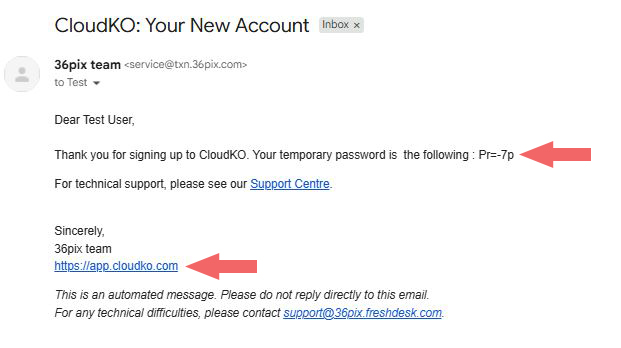
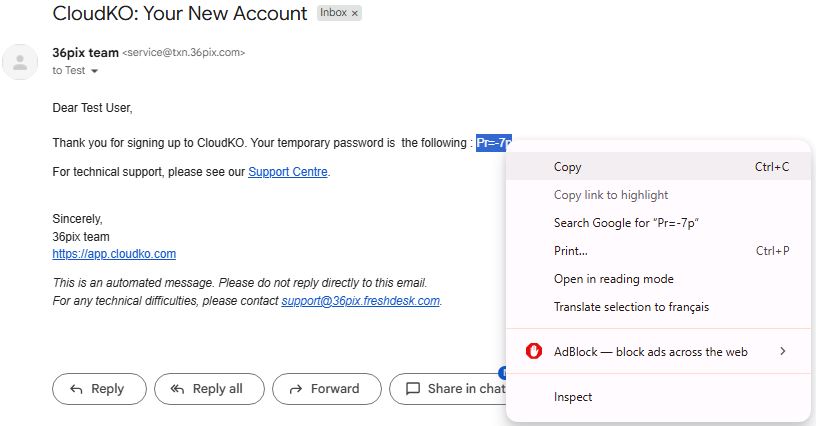
- Copy the temporary password.
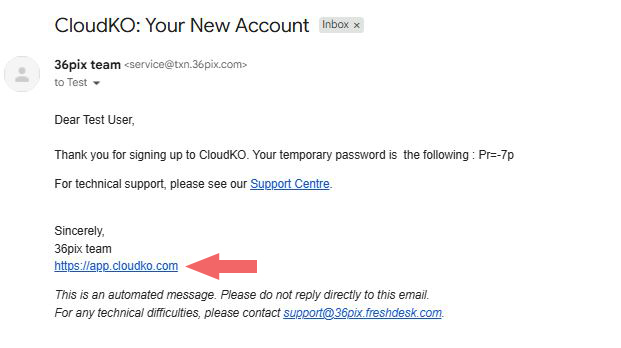
- Click the link to go to CloudKO where you can choose a new password and secret question.
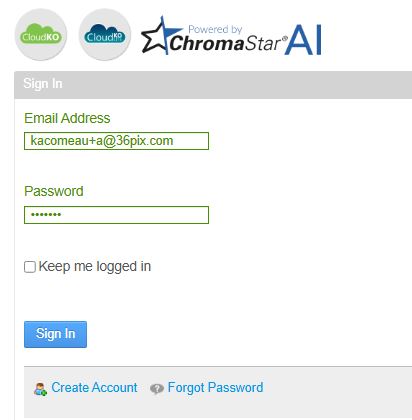
- Login using your email address and temporary password.
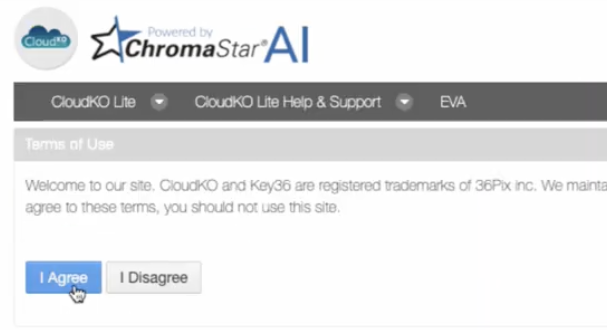
- Click Agree to agree to the privacy policy.
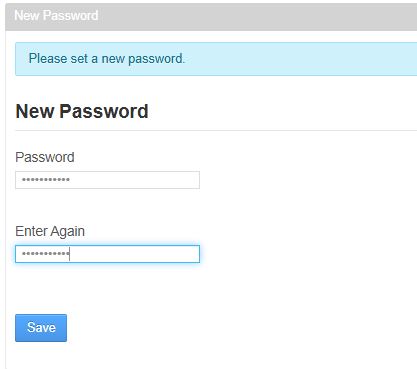
- Set a new password.
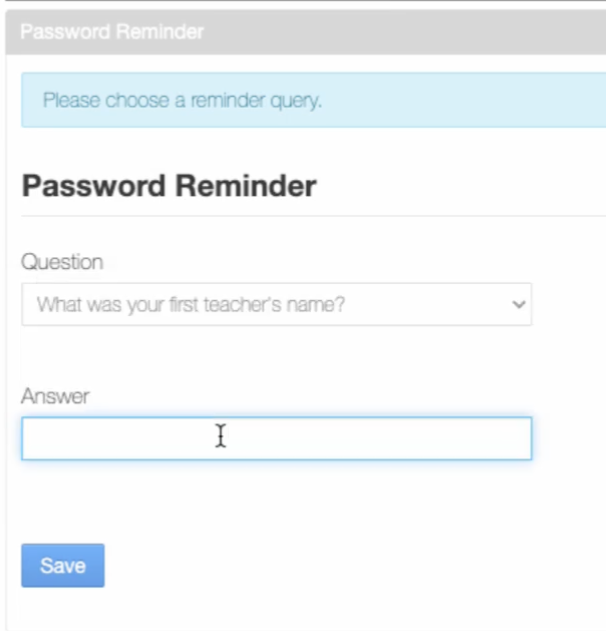
- Choose a secret question and answer.
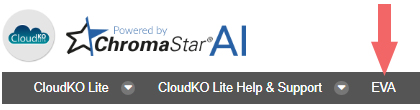
- Open EVA by clicking the link on the navigation bar in CloudKO.
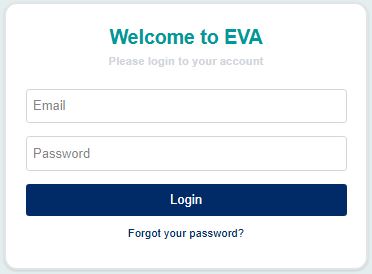
- Login to EVA using your email address and new password.
How to Login for the First Time Print
Modified on: Thu, 5 Feb, 2026 at 9:31 AM
Did you find it helpful? Yes No
Send feedbackSorry we couldn't be helpful. Help us improve this article with your feedback.